Video
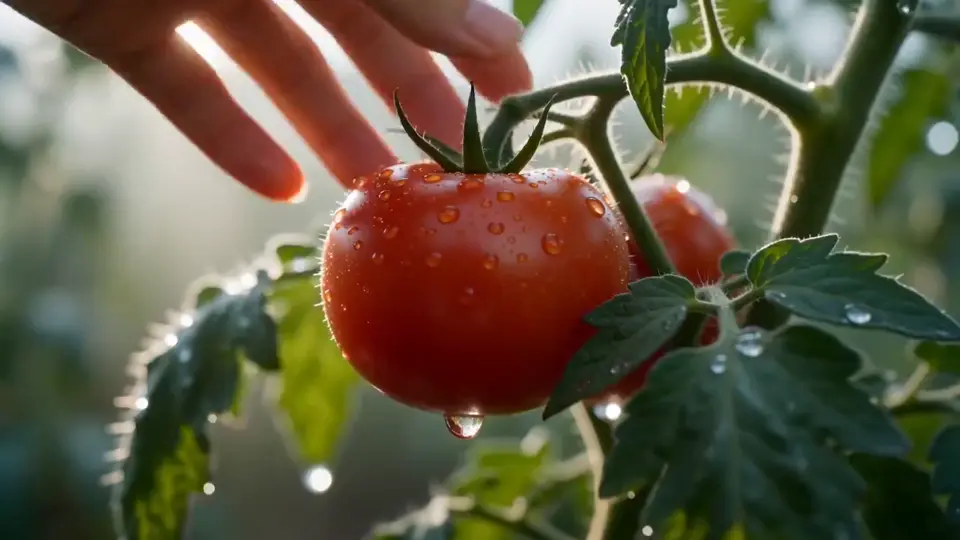
Image to Video
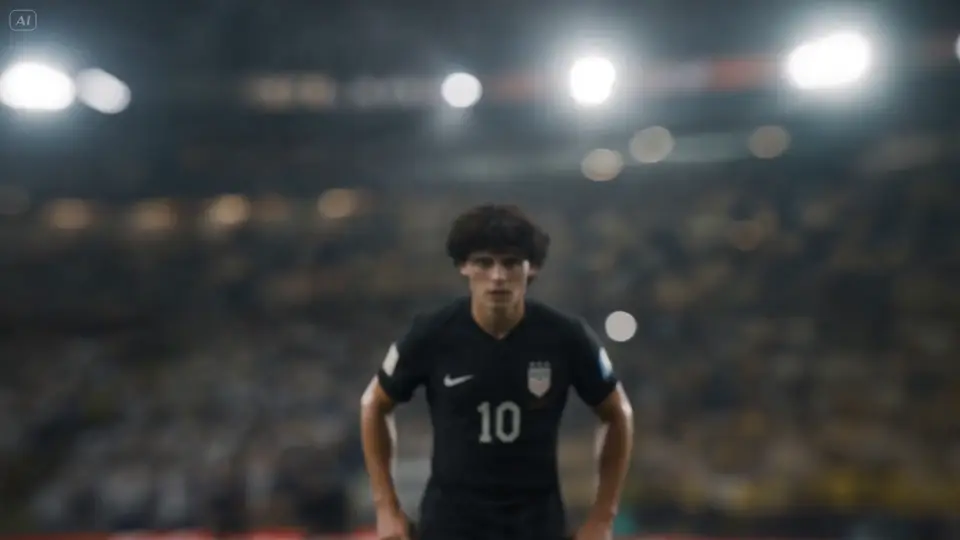
Turn a still into motion. Start from a reference image, then guide camera movement, pacing, and scene evolution — designed for Muse Video-style workflows.
Try Now Muse Image
Create with Meta’s Muse Image and Muse Video: agentic image generation + precise editing, and video generation that focuses on prompt adherence, visual fidelity, temporal consistency, with native audio support (preview).
museimage.space is your workspace for Meta’s Muse Image and Muse Video-style creation: generate images that follow instructions and edit with control, then push into motion with temporal consistency and native audio (preview).
AI Video Generator
Muse Image is built for instruction-following generation and precise multi-turn editing. Muse Video extends that foundation into motion — emphasizing temporal consistency and native audio support (preview).
Turn a still into motion. Start from a reference image, then guide camera movement, pacing, and scene evolution — designed for Muse Video-style workflows.
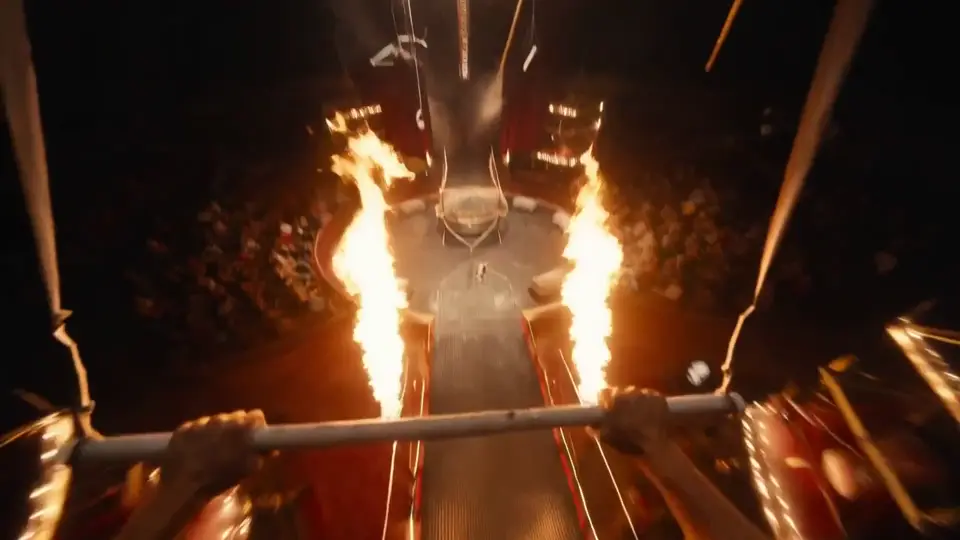
Try NowWrite a scene and generate a clip. Focus on action, camera, timing, and sound intent — aligned with Meta Muse Video’s prompt-driven generation (preview).
Try NowLock identity and style. Use reference visuals to keep characters, products, and art direction consistent across motion.
Try NowContinue a moment that ends too soon. Extend a clip while preserving the original framing, subject, and motion intent.
Try Now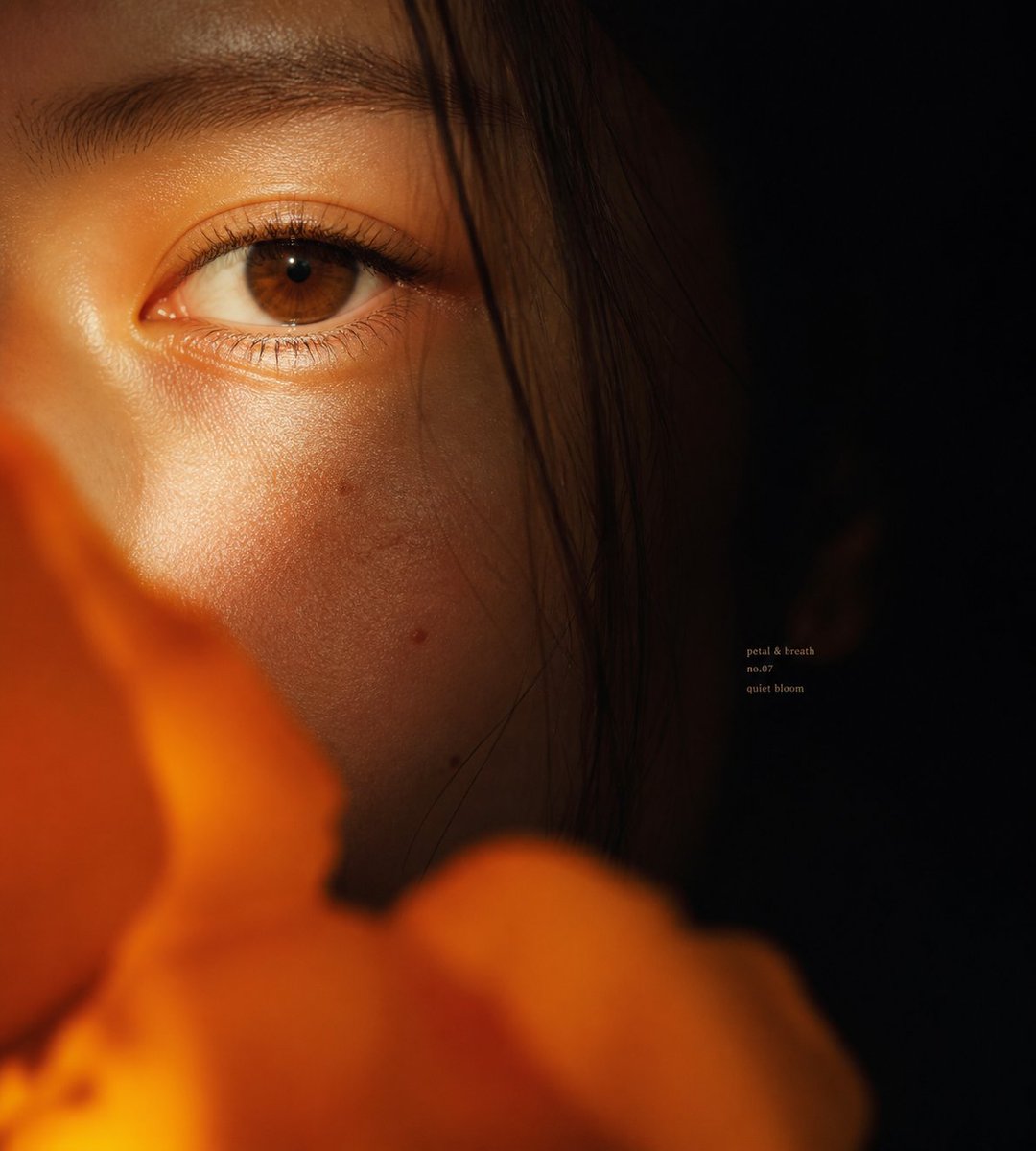 Image
ImageGenerate images that follow instruction. Great for concepts, thumbnails, product scenes, and structured layouts — inspired by Meta Muse Image.
Try Now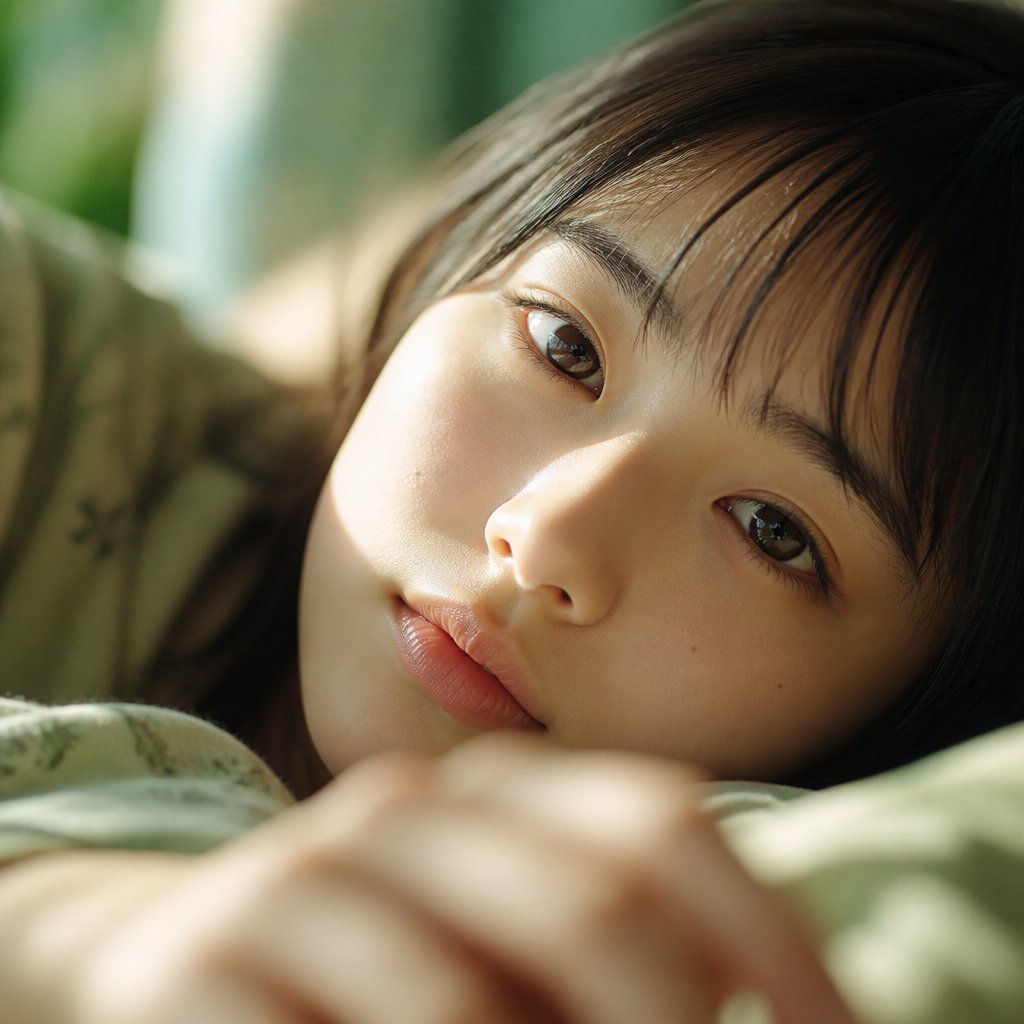 Image
ImageEdit with precision. Remove distractions, restyle, expand, or refine details — built for iterative, multi-turn workflows like Meta Muse Image.
Try NowMuse Image by Meta
Muse Image is Meta's agentic image model — built to plan, refine, and deliver precise generations. From complex prompts to multi-reference composition and localized edits, Muse Image is designed to follow your direction faithfully.
Tap video to pause or resume
Muse Image (Meta) is built to follow direction faithfully — useful when layout, text, and placement matter.
Make localized changes and keep context: swap elements, refine details, and iterate without restarting.
Blend multiple references to steer identity, objects, style, and environments with higher fidelity.
Muse Video by Meta
Muse Video is Meta's text-to-video model — built on the same foundation as Muse Image. It targets prompt adherence, visual fidelity, and temporal consistency, with native audio generated alongside every clip.
Tap video to pause or resume
Meta built Muse Video to compete on the qualities that matter most for AI video generation.
Muse Video is designed for creators who need motion, pacing, and sound — not just stills.
Meta · Muse Video
Muse Video (preview) is built to compete on prompt adherence, visual fidelity, and temporal consistency — with native audio support. Prompt like a director: action + camera + timing + sound intent.
01
Name who or what is in frame
e.g. A woman in a beige trench coat
02
One clear motion or story beat
e.g. Walks through rain, turns to camera
03
Shot size and movement
e.g. Slow push-in, medium close-up
04
Environment and light quality
e.g. Golden hour, soft rim light
05
Visual mood and treatment
e.g. Cinematic, shallow depth of field
Example Prompt
Swipe to read more
Generated Result
Image to Video: your image already defines the look — focus the prompt on motion, camera, and atmosphere instead.
About the model
Meta’s agentic image generation + editing model: strong instruction following, precise localized edits, multi-reference composition, and iterative refinement.
Muse Image (by Meta) plans before it renders — helping complex prompts land with stronger structure and intent.
Iterate conversationally and make precise changes with markup and sketch-style guidance while keeping context intact.
Blend multiple visual references to steer identity, objects, style, and composition with higher fidelity.
Tap video to pause or resume
Features
Create, edit, and iterate across image + video — designed around Muse Image precision and Muse Video motion intent.
Create sharper Muse Image videos with cleaner edges, clearer subjects, and richer scene detail for ads, product clips, creator posts, and premium social content.
Use Muse Image extended timing to show a complete action, product reveal, camera move, character beat, or story moment in one generation.
Muse Image builds on Seedance 2.0 while adding more room for polished scenes, cleaner framing, and stronger final-video potential.
Longer Muse Image clips need stability, so the workflow is better suited to keeping subjects, motion, and environments coherent across the shot.
Bring image, video, and audio references into Muse Image to guide subject identity, composition, product styling, mood, and camera language.
Muse Image fits marketing videos, ecommerce visuals, creator shorts, explainers, campaign variants, and cinematic concept drafts.
How to use
For images: describe structure and constraints. For video: describe motion, camera, pacing, and sound intent — then iterate one variable at a time.
Describe the subject, setting, movement, style, and camera direction. For Muse Image, include the exact moment the longer clip should complete.
Upload images, videos, or audio when Muse Image needs more control over a person, product, layout, mood, or existing brand style.
Select aspect ratio, duration, and resolution for Muse Image, from vertical social posts to wider campaign visuals and 4K output.
Review motion, detail, and timing, then revise one creative variable so Muse Image can improve the shot with clearer direction.
Overview
Stronger control, clearer intent, and outputs you can keep iterating on — across image and video.
Muse Image is positioned for richer storytelling, coherent pacing, and fewer stitched clips when a scene needs a full beginning, action, and ending.
Muse Image is designed around joint understanding of creative assets, helping complex character, environment, and product references stay coordinated.
Muse Image focuses on outputs that remain editable and iterable, while Seedream image workflows support stronger pre-visual assets.
Pricing
Muse Image offers simple, transparent pricing for AI video and image generation. No hidden fees.
Subscriptions renew automatically until canceled. You can manage or cancel anytime from Billing. By subscribing, you agree to our Terms of Service and Privacy Policy.
Supported payment methods
Secure checkout powered by Stripe


Everything you need to know about Muse Image higher resolution, longer video duration, references, and generation quality.
Muse Image is best for AI video projects that need sharper detail, longer scenes, and a more complete visual idea than a very short clip can provide.
Muse Image upgrades the Seedance 2.0 experience with higher-resolution output, longer supported video duration, stronger reference control, and more production-ready scene structure.
Yes. Muse Image reference assets help guide subject identity, product appearance, composition, color mood, or visual style.
Choose longer Muse Image duration when the video needs a clear beginning, action, and ending, such as a reveal, camera move, transformation, or product demonstration.
Higher resolution helps Muse Image videos with detailed products, faces, textural environments, close-up shots, or content that may be cropped for different channels.
Use a specific prompt, add useful references, choose settings before generating, and refine one creative variable at a time after each Muse Image result.
Free plan outputs include a watermark. Paid plan subscribers receive watermark-free videos and images with full commercial usage rights.
Yes. Paid plan subscribers can use all generated content for commercial purposes, including advertising, social media, client work, and product promotion. We strictly prohibit NSFW content and integrate content moderation APIs plus sensitive-word filtering to block prohibited prompts and outputs.
Muse Image supports multiple aspect ratios (16:9, 9:16, 1:1) and resolutions up to 1080p. Output is delivered as MP4 video or PNG/JPEG image files ready for download.
Yes. The Image Edit tool lets you modify existing images using AI — change backgrounds, swap objects, adjust styles, or apply artistic effects with a simple text prompt.
Each generation consumes credits based on the model and output type. Free accounts receive 50 credits on signup. You can purchase additional credit packs or subscribe to a plan for a monthly credit allowance. If a generation fails, credits are automatically returned according to our policy.
Visit our Contact page to reach the support team. We typically respond within 24 hours and are happy to help with any questions about your account, billing, or creative workflow. Subscriptions can be canceled anytime from Billing.
It depends on how you received them. Registration gift credits expire 30 days after signup. Monthly subscription credits expire 30 days after each renewal. Yearly subscription credits are granted in full at the start of the billing year and expire 365 days after they are granted. One-time credit packs (Nano, Starter, Boost, Power, Ultra, Mega) never expire — they stay in your account until used. When you generate content, we always spend the credits closest to their expiry date first, so longer-lived credits are preserved.
Yearly subscriptions deliver the entire year's credit allowance in a single batch at the start of the billing period, not month by month. Those credits are valid for 365 days from the grant date. If you also hold monthly subscription credits or one-time credit packs, they all stack in the same balance — with shorter-expiry credits consumed first.
Get started today
Generate images with Muse Image-style precision, then explore motion with Muse Video-style prompting — all in one focused creative workspace.
No credit card required. Free plan includes starter credits.